Processing smartphones at scale can quickly become challenging when every device requires manual inspection, testing, identification, and documentation. What may seem manageable with a small inventory can become a significant operational burden when hundreds or thousands of devices arrive in a single batch. Manual workflows can also create inconsistencies that affect processing speed and the quality of recorded information.
Automation offers a practical way to streamline repetitive activities without removing human oversight from important decisions. From automated testing to standardized records, technology can help businesses create faster and more consistent device-processing workflows. For organizations handling large inventories, automated phone diagnostics software can be especially useful for reducing repetitive work while giving teams more structured information to support their decisions.
Why High-Volume Smartphone Processing Needs Automation
The more devices a business handles, the more difficult it becomes to maintain speed and consistency through manual processes alone. Employees may need to inspect screens, test components, identify devices, record results, and determine what happens next for every smartphone.
Automation can connect these activities into a more organized workflow. Instead of treating every phone as a separate manual project, businesses can establish repeatable processes that allow technology to handle routine tasks while employees focus on exceptions and decisions that require judgment.
Reduce Repetitive Manual Testing
Testing individual smartphone components can consume considerable time when performed manually across a large inventory. Employees may need to open different applications, check functions, record results, and repeat the same process for every device.
Automated testing can standardize these steps and reduce repetitive actions. Depending on the system being used, businesses may be able to evaluate areas such as:
- Display and touchscreen functionality
- Cameras, speakers, and microphones
- Connectivity and charging functions
- Device information and diagnostic details
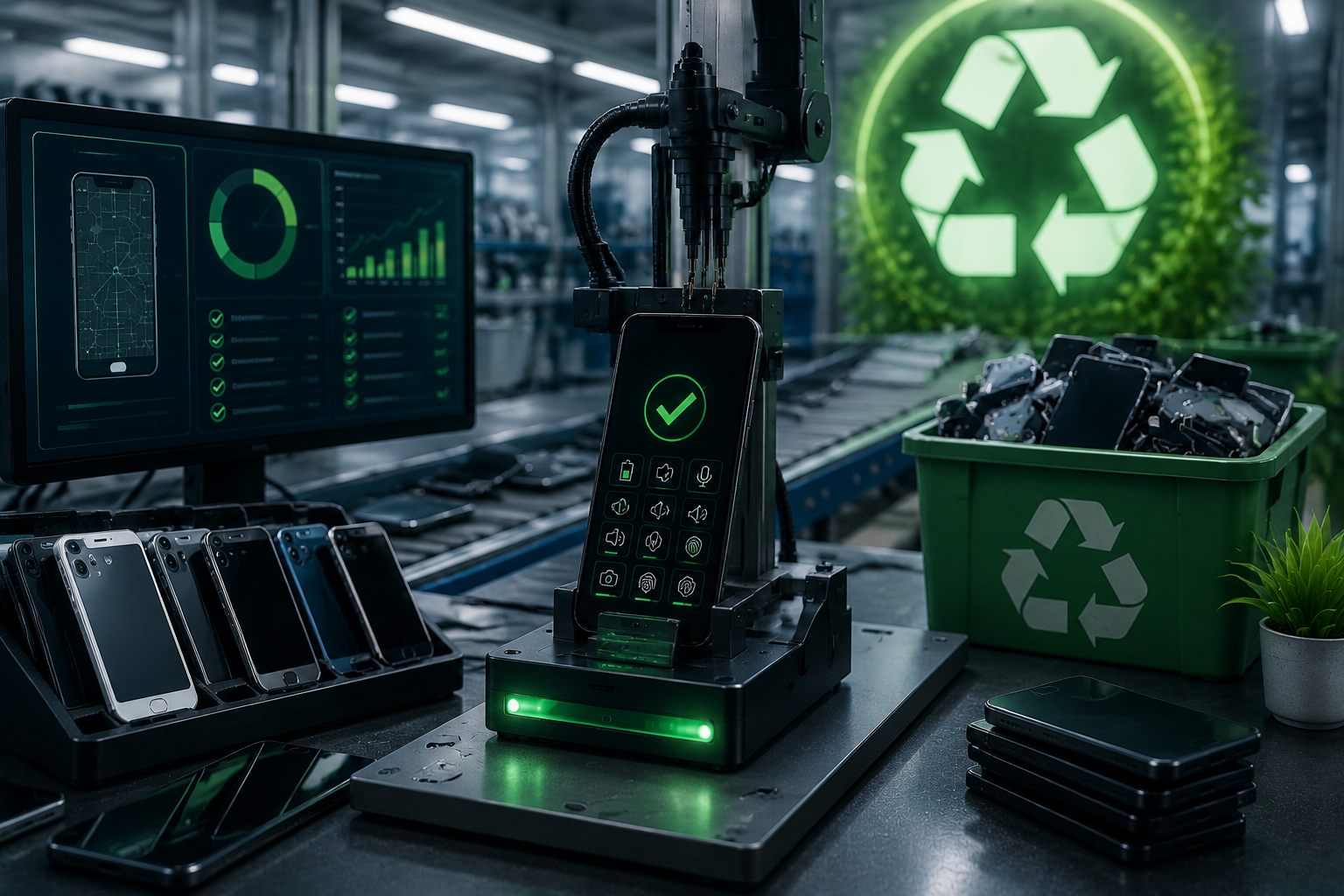
Automated phone diagnostics software can help organize these evaluations into a repeatable process. This allows teams to process more devices while maintaining a consistent approach to routine testing.
Standardize Processing Results
Consistency becomes increasingly important as device volumes grow. If multiple employees evaluate smartphones using different methods, the resulting records may be difficult to compare.
Automation can help establish standardized tests and reporting formats. Each device can move through predefined steps, producing information that follows the same general structure.
This consistency can make downstream activities easier. Teams responsible for refurbishment, resale, inventory management, or disposition can work from more predictable information rather than interpreting different evaluation methods for every batch.
How Automated Phone Diagnostics Software Improves Efficiency
Diagnostics are often one of the most repetitive parts of smartphone processing. A high-volume operation may need to test similar functions across hundreds of devices, making manual workflows inefficient and difficult to scale.
Automated phone diagnostics software can help by organizing testing into a defined sequence. Instead of requiring employees to remember every individual check, the system can support a more structured evaluation process and produce usable records from the results.
Process More Devices in Less Time
Speed is a major consideration for businesses managing large smartphone inventories. When devices remain in processing for too long, they can create bottlenecks that affect subsequent stages of the workflow.
Automation can shorten routine testing by reducing the number of manual actions required per device. For example, a processing center handling several hundred smartphones could use automated diagnostics to perform standardized checks while employees monitor results and investigate unusual outcomes.
The objective is not simply to process devices faster. It is to create a workflow where speed and consistency can work together without sacrificing the information needed for later decisions.
Identify Exceptions for Human Review
Automation does not have to mean removing people from the process. In many cases, its greatest value comes from identifying devices that need additional attention.
A system can help separate routine results from unusual findings. Employees can then spend more time examining exceptions rather than performing identical checks on every smartphone.
For example, a device that passes expected tests can continue through the standard workflow, while one showing an unexpected result can be flagged for manual inspection. This approach allows human expertise to be concentrated where it provides the most value.
Automation and Cross-Platform Device Processing
High-volume smartphone operations often involve devices from different manufacturers, operating systems, models, and generations. Managing this variety manually can introduce additional complexity, especially when information needs to be moved between devices.
Automation can help organize these workflows by creating repeatable procedures for common processing scenarios. This becomes particularly useful when smartphones are being prepared for reuse, refurbishment, resale, or internal reassignment.
Simplify Android to iPhone Data Transfer Workflows
Moving information between different mobile platforms can be an important step when preparing devices for new users. An android to iPhone data transfer, for example, may involve moving selected information from an existing Android device to an iPhone.
A structured workflow can help employees document when a transfer-related process occurs and identify the devices involved. Rather than relying on informal notes, businesses can create standardized records around the activity.
This is especially useful in environments where many devices are processed simultaneously. Clear documentation can help teams understand which devices have completed a particular processing stage and which still require attention.
Organize Different Device Scenarios
Not every smartphone entering a processing facility follows the same path. Some may be ready for immediate resale, while others require diagnostics, data handling, refurbishment, or additional inspection.
Automation can help route devices according to predefined criteria. A workflow might direct devices based on diagnostic outcomes, condition information, device type, or processing status.
This creates a more flexible operation without requiring employees to manually determine every next step. Businesses can establish rules for common situations while retaining human oversight for unusual or complex cases.
Creating a Smarter Smartphone Processing Workflow
Technology works best when it is supported by a well-designed operational process. Simply adding automation to an inefficient workflow may move problems faster rather than solve them.
Before implementing automation, businesses should map their current process and identify repetitive activities, common delays, and areas where information is frequently entered incorrectly. This provides a clearer foundation for deciding where automation can deliver the greatest operational benefit.
Identify the Best Tasks to Automate
Not every activity needs to be automated. Businesses should begin with tasks that are repetitive, predictable, and performed frequently.
Good candidates may include:
- Device intake and information capture
- Standard diagnostic testing
- Repetitive result recording
- Workflow status updates
- Routine report generation
Starting with high-volume activities allows organizations to demonstrate value without redesigning their entire operation at once. Once those workflows are stable, additional automation opportunities can be evaluated.
Connect Automation With Existing Processes
Automation should fit naturally into the broader device lifecycle. Diagnostic results, device information, processing status, and subsequent actions should ideally remain connected rather than being stored across unrelated systems.
For example, the results generated during automated testing can become part of the device’s processing record. This allows teams further along the workflow to access useful information without repeating the same inspection.
CellDe can support businesses looking to build more structured approaches to device processing and verification. By incorporating reliable device information into automated workflows, organizations can improve visibility while reducing unnecessary manual steps.
Measuring the Impact of Smartphone Processing Automation
Automation should be evaluated using measurable operational outcomes rather than assumptions. Businesses need to understand whether their new workflow actually improves processing speed, consistency, and resource utilization.
Establishing a baseline before implementation makes it easier to compare results afterward. Even simple measurements can reveal where automation is making a meaningful difference and where additional adjustments are needed.
Track Processing Time and Throughput
Processing time provides a straightforward way to measure the impact of automation. Businesses can compare how long it takes to complete common tasks before and after automated workflows are introduced.
Useful metrics may include:
- Average processing time per device
- Number of devices processed per shift
- Percentage requiring manual review
- Frequency of incomplete records
These measurements can show whether automation is reducing bottlenecks. They can also help businesses identify specific stages that continue to require optimization.
Monitor Accuracy and Workflow Consistency
Speed alone does not determine whether an automated process is successful. If faster processing produces incomplete or inconsistent information, the overall workflow may not improve.
Businesses should therefore review the quality of automated results alongside productivity metrics. Periodic sampling and quality checks can help confirm that expected information is being captured correctly.
CellDe can be part of a broader strategy focused on creating more consistent device-processing workflows. Combining automation with quality control allows organizations to pursue greater efficiency without losing visibility into individual devices.
Scaling Smartphone Operations With Greater Confidence
As smartphone inventories grow, businesses need workflows that can handle increased volume without requiring a proportional increase in repetitive manual effort. Automation provides an opportunity to build scalable processes around testing, documentation, device movement, and other routine activities.
The most effective approach is gradual. Businesses can automate high-volume tasks first, measure the results, refine their workflows, and then expand automation into additional stages where it makes practical sense.
Conclusion
Automation can transform high-volume smartphone processing by making repetitive tasks faster, more consistent, and easier to manage. Automated phone diagnostics software can reduce manual testing requirements, standardize results, and help employees focus their attention on devices that require closer examination.
Automation can also support complex workflows involving different device types and scenarios, including android to iPhone data transfer processes. When diagnostic information, device records, and processing stages remain connected, businesses can create greater visibility across the entire device lifecycle.
The key is to automate strategically rather than simply automate everything. By identifying repetitive tasks, establishing measurable goals, maintaining quality controls, and keeping human oversight where it matters, businesses can create a more scalable processing operation. With solutions such as CellDe supporting structured device workflows, organizations can take practical steps toward making high-volume smartphone processing more efficient, consistent, and manageable.